
Save a diagram
This option of the TAST tool allows to save the information of the active diagram on screen.
Below, the screen to save a diagram:
Esta pantalla no vale las barra de herramientas del Canvas y la superiorr han cambiado.
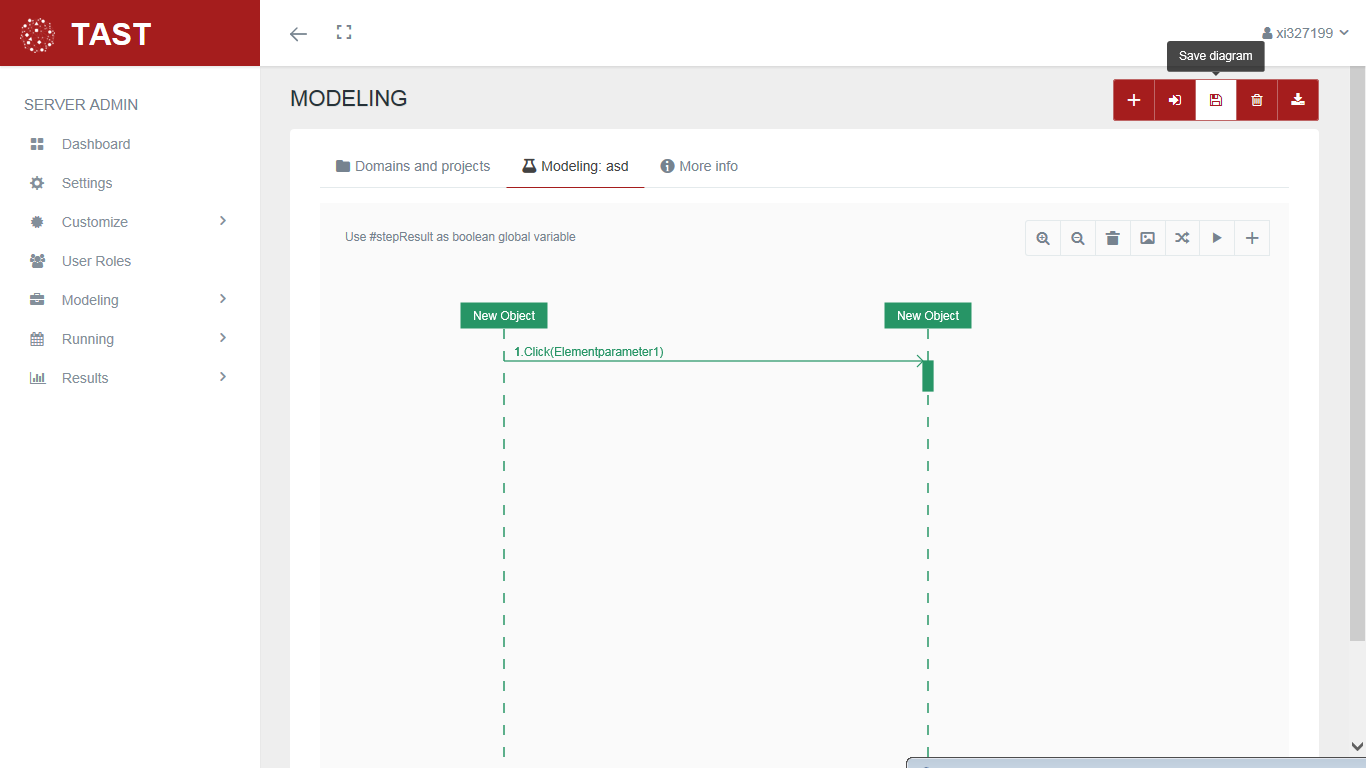
This screen allows:
-
Create or update in the system a copy of the diagram that we are editing on the screen. Once saved, we can continue working with the same diagram.
No Comments