
Assign a new role to a user
This option of the TAST tool allows the administrator to change the role assigned to a user in the project.
Below, the screen to modify the role:
cambiar esta pantalla, abrir el desplegable customize y ver las dos opciones de que nos ofrece. En la versión en español he añadido dos pantallas
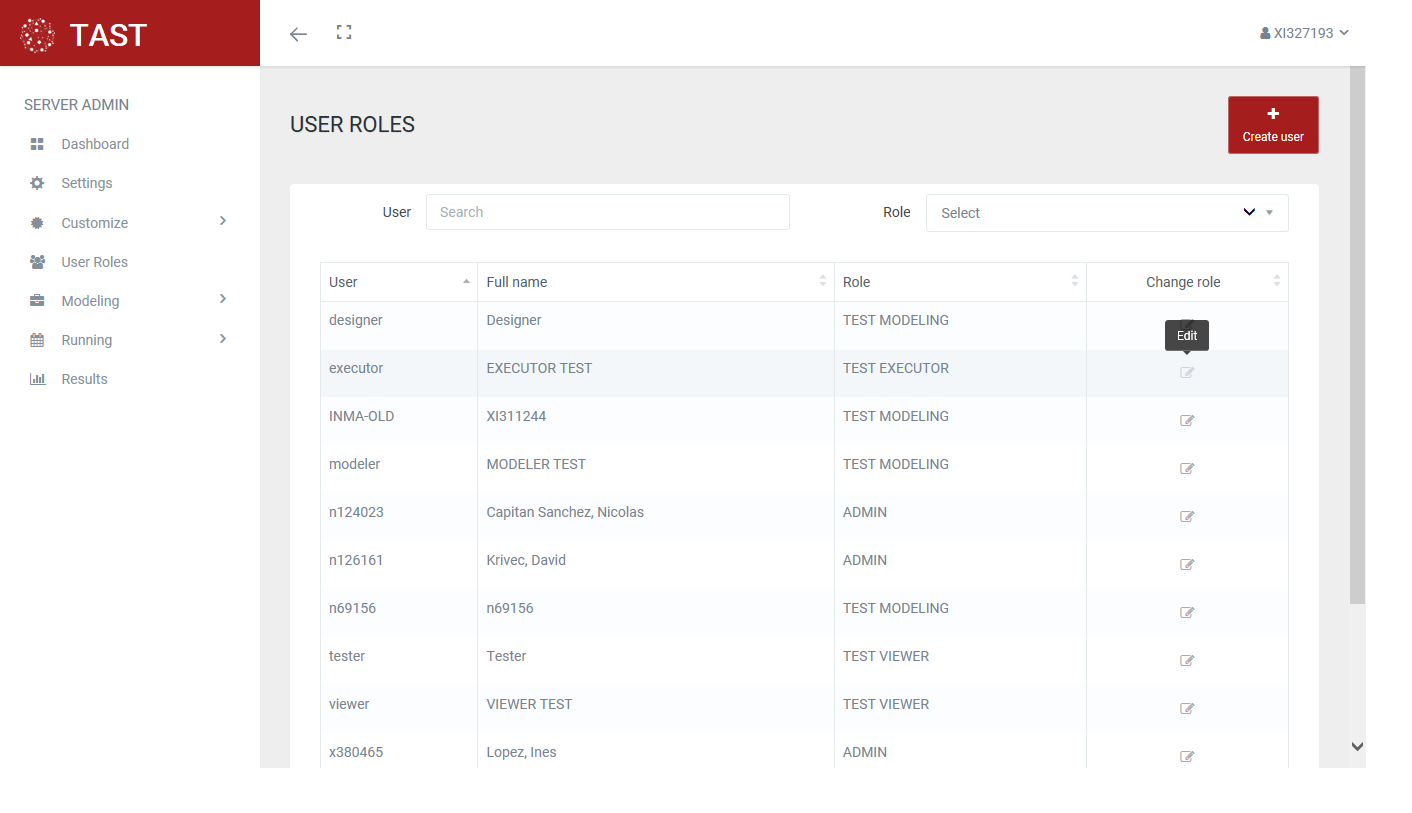
This screen allows:
-
Modify the role assigned to a user, using the Accept option, selecting the role to assign in a drop-down.
-
Exit without assigning a role, clicking the cross icon.
No Comments