
Deactivate the filters used using the icon
This option of the TAST tool allows to deactivate the filters that are active on the screen.
Below, the screen to clear filters:
Hay que cambiar las pantallas, la barra de herramientas ha cambiado.
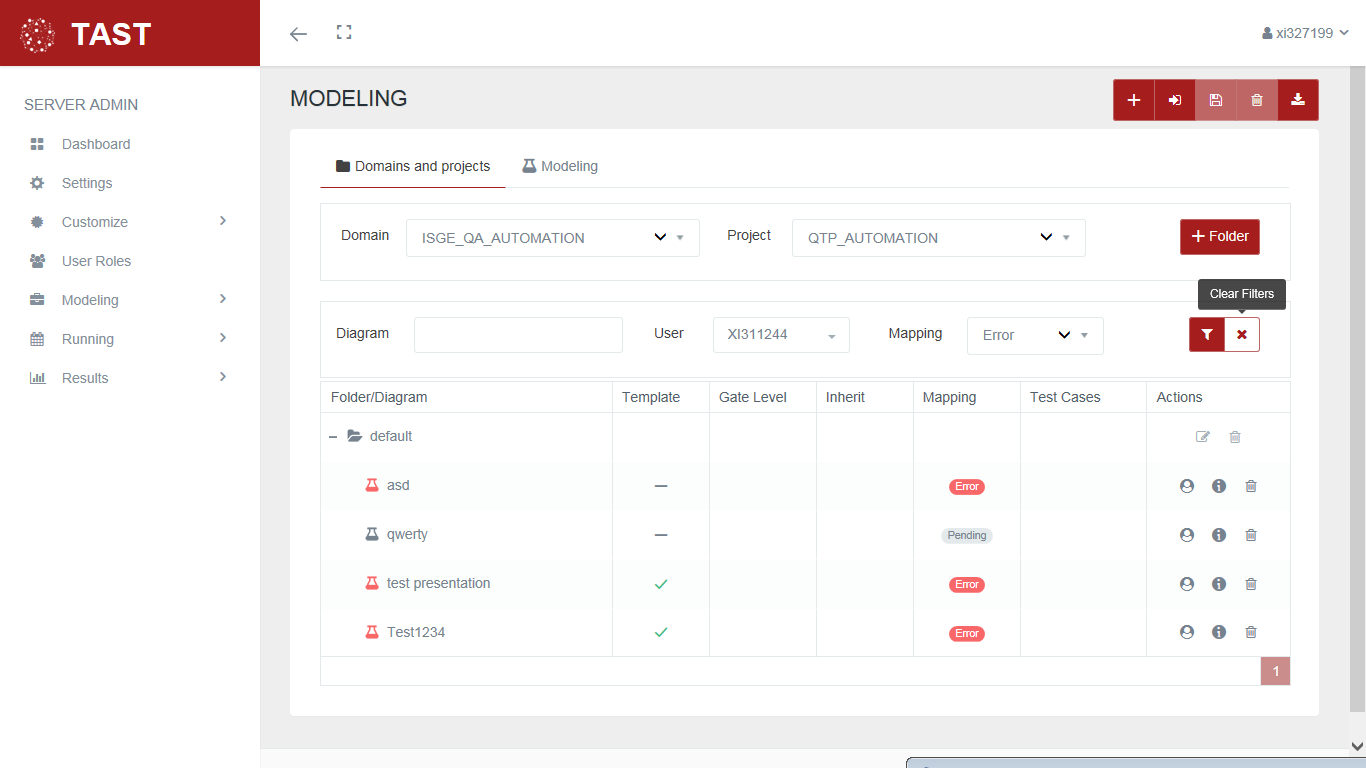
This screen allows:
-
Deactivate the filters that appear on the screen. When deactivating filters on the screen, all the diagrams associated with the selected domain / project are displayed.
No Comments