
LOAD Adaptor
Introduction
With the LOAD Adaptor you will run tests of previously created plans in Jmeter.
Jmeter is an application for load and performance testing of web applications and servers.
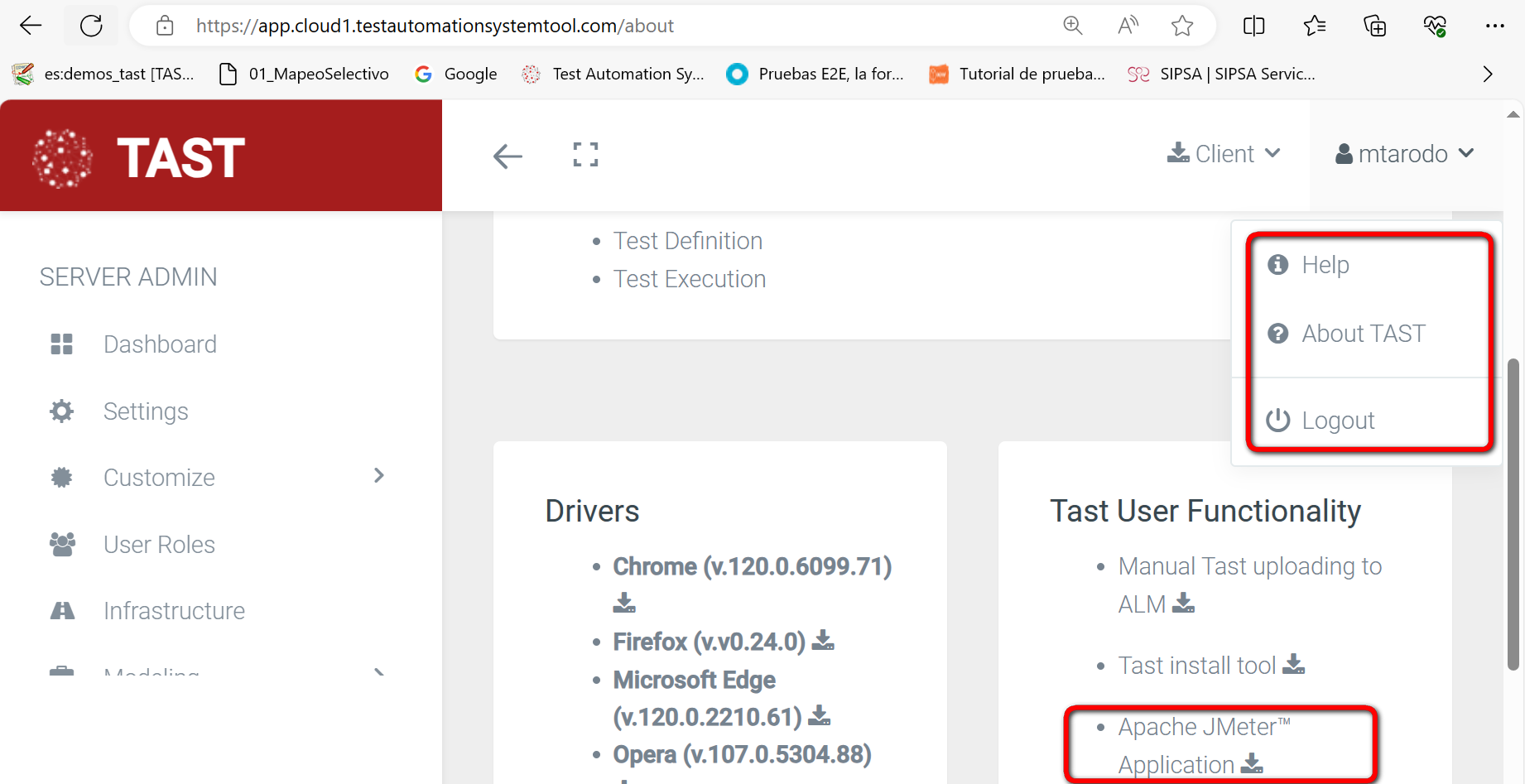
ToWe can install it,it gofrom toTAST. theWe access our “About TAST”User” tab onlocated at the top rightright, and there we find “Downloads”: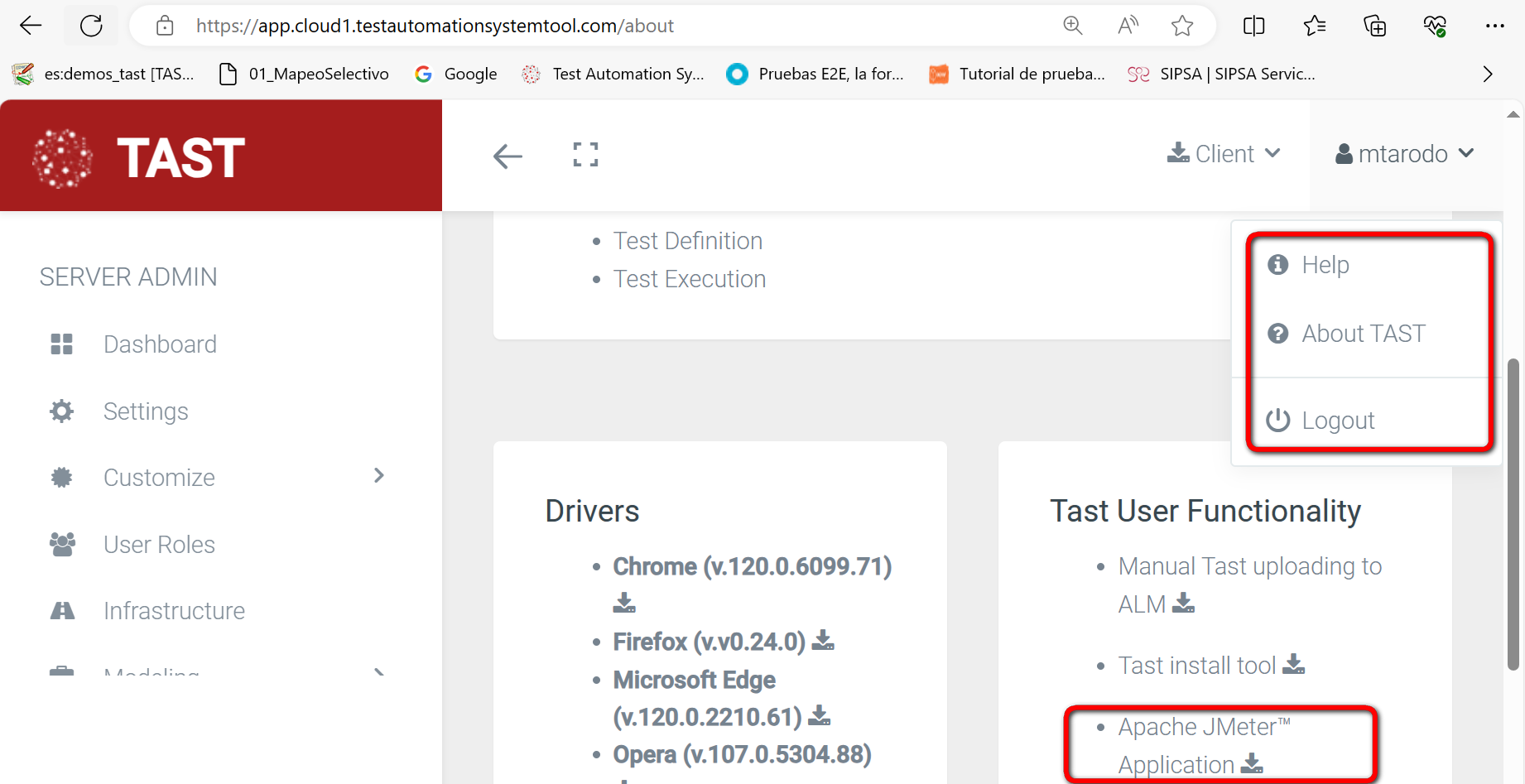
Click on TAST User Functionalities
We look for the Apache JMeter Application and download it:
Extract and save the contents of the TASTzip webfile application, and there you can findin the download.
Itjmeter hasfolder. to be unzipped in “C:\appTAST\jmeter”, so that theThe final path iswill be as follows:
C:\appTAST\jmeter\apache-Users userid>AppTastjmeter jmeter jmeter-jmeter-5.6.2”3 (or current version).
For its execution, from the CMD,CMD launchinglaunching:
C:\AppTastmeter-jmeter-Users\<userid>AppTastApache-jmeter-jmeter-5.6.2\3\binjmeter.bat
Initialization parameters
There is only one parameter in the adapter:
-
Jmeter Path: it will indicate the path where Jmeter is installed on our computer.
Predefined Functions (PF's)
As of today there is only one predefined function:
-
executeJmeter: executes a Jmeter plan test. It has two parameters:
-
PathTestPlan: full path to the Jmeter test plan file to execute.
-
PathResultFile: path and name of the CSV file where the result will be stored.
-
Output returns a String with the result of the Jmeter command execution.
In addition to the output results provided by Jmeter's TAST, Jmeter will also create the result files defined in the test plan.