
Delete a diagram
This option of the TAST tool allows to delete from the system the diagram selected on the screen.
Below, the screen to delete a diagram:
En la versión en castellano he borrado un diagrama desde Carpeta\Diagramas, no desde el Canvas directamente.
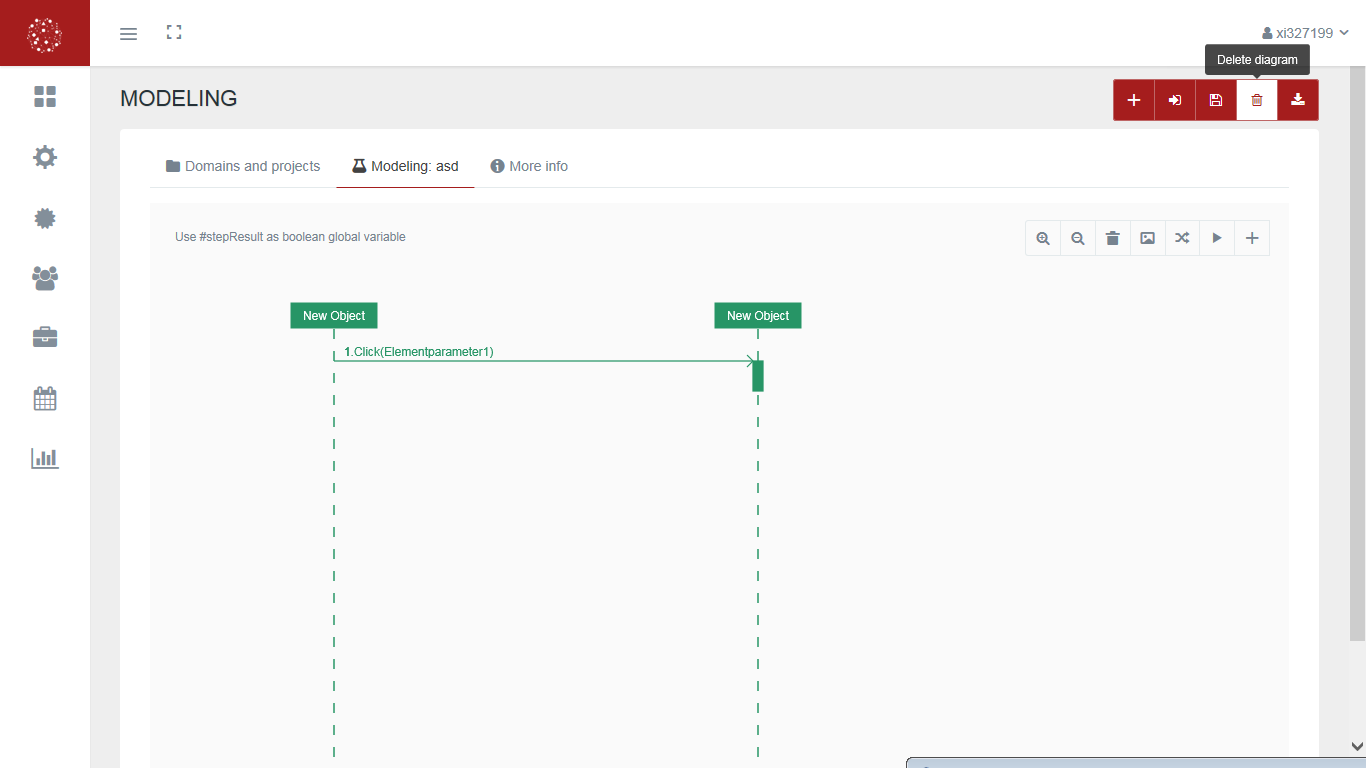
This screen allows:
-
Delete from the system the diagram selected on the screen.