
Add users to a project
This option of the TAST tool allows the administrator to assign a user to a project.
Below, the screen to register a user in a project:
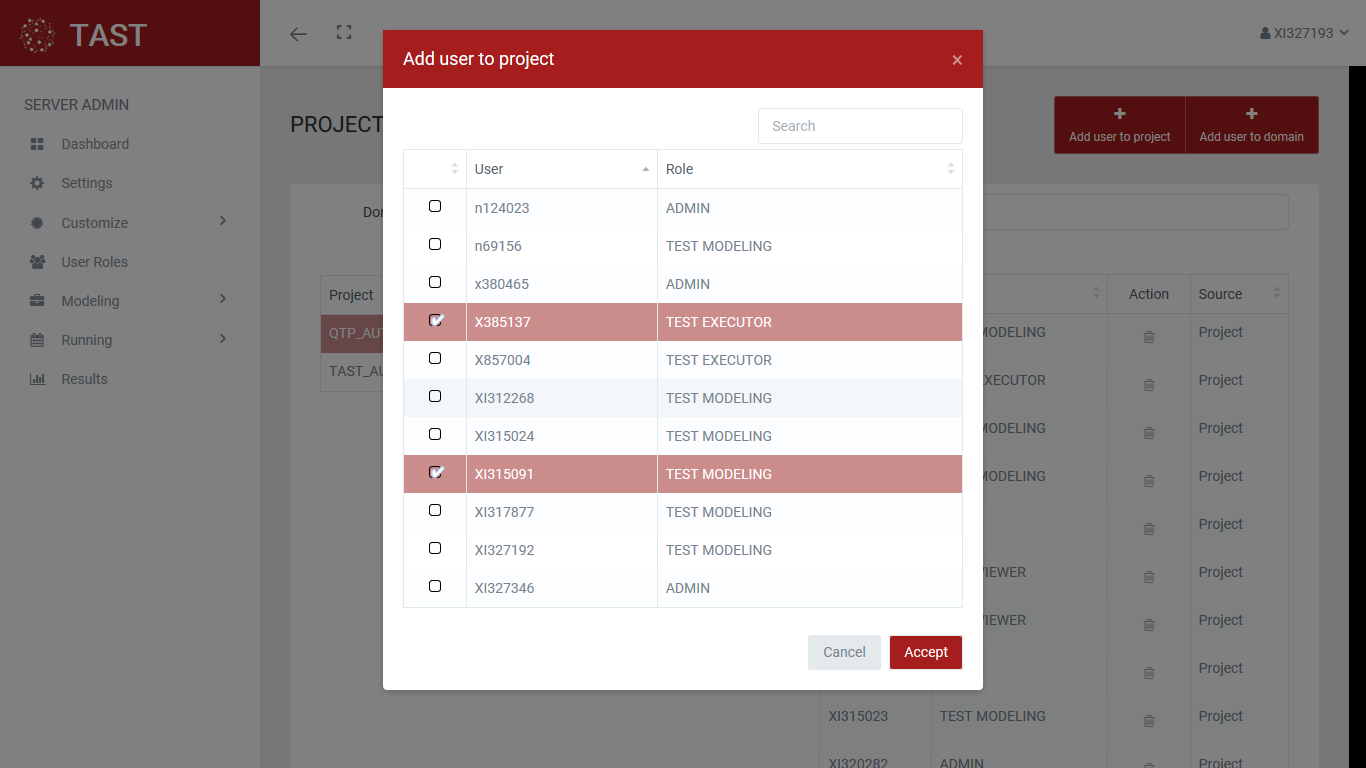
This screen allows:
-
Select one or more users and assign them to the project, using the OK button.
-
Exit without registering, with the Cancel button.
It is possible to delimit the users search to those that start with a certain chain of characters: